

Ranking your website on Google usually feels like a long-term battle. But what if you could hit the top spot in just one day — without advanced SEO skills? That’s exactly what one creator did, and this post breaks down the exact steps you can follow to do it too.
Step 1: Diagnose Why You’re Not Ranking
Before you can fix your ranking, you need to find out why you’re not at the top.
Ask:
- Is it a content issue? (Your article doesn’t match search intent.)
- Is it a backlinks issue? (Other pages have stronger link authority?)
In the example, the blog had over 200 quality backlinks, more than its competitors. So the issue was content.
Step 2: Analyze Search Results and Competitors
Google the keyword you want to rank for (e.g., “blogging tips”).
Look for:
- Featured Snippets (Position 0)
- People Also Ask (PAA) boxes
- Top-ranking article formats (Listicles, guides, tutorials)
Questions to Answer:
- Who is the audience? (e.g., beginner bloggers)
- What’s the format? (listicle, how-to, etc.)
- What topics and subtopics are consistently covered?
Step 3: Improve Your Content — Fast
There were two approaches considered:
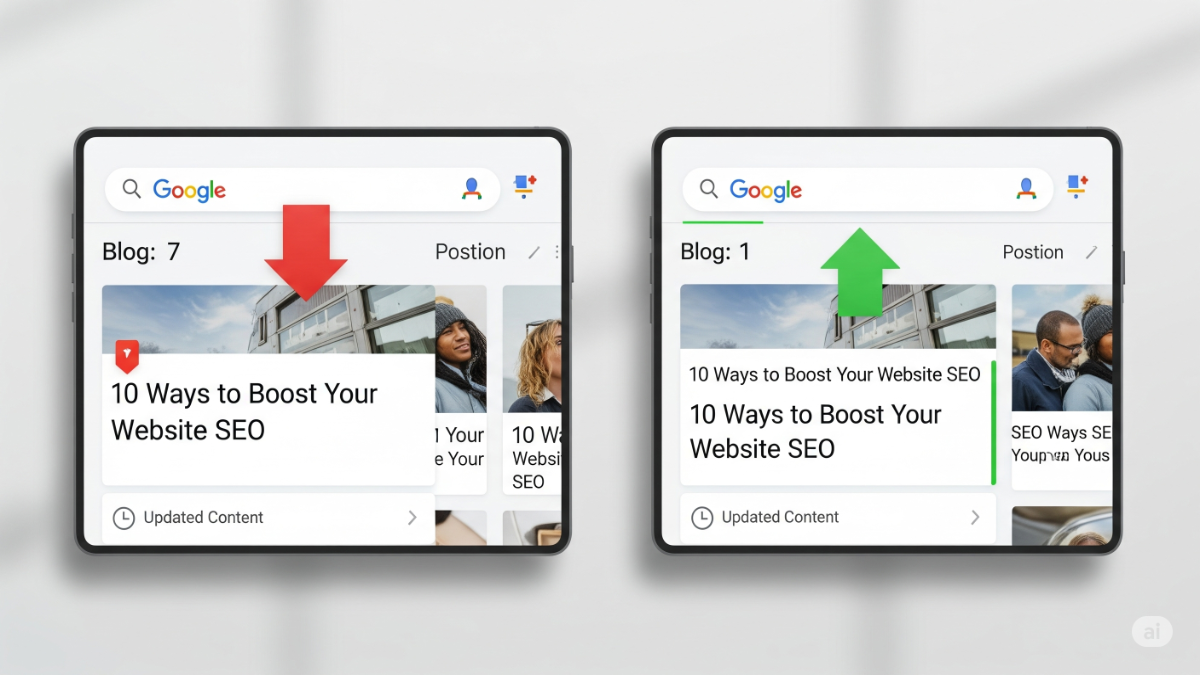
Option A: Full Content Rewrite
- Rewrite the whole blog post to better match intent.
- Takes more time, better long-term payoff.
Option B: Quick Headline Optimization
- Just rewrite the headings and Table of Contents.
- Make each tip or section clear, direct, and beginner-friendly.
The Hack:
Use ChatGPT with this prompt:
“I’ll give you our blog content. Rephrase the main tips (heading tags) to be clear, direct, and beginner-friendly.”
Done in 15 seconds. Instant improvement.
Step 4: Ping Google for Indexing
After updating the post:
- Log into Google Search Console.
- Paste your blog URL into the search bar.
- Click “Request Indexing”.
This doesn’t guarantee immediate ranking, but it increases your chances of being re-crawled quickly.
Step 5: Check Rankings on Mobile and by Location
The post hit #1 on mobile within hours — but desktop rankings hadn’t budged.
Why? Rankings vary by:
- Device (mobile vs. desktop)
- Location (Google search is location-based)
Use a VPN to check from various U.S. cities. Found #1 rankings in New York, Nebraska, and North Carolina.
Step 6: Do a Full Content Refresh (If Needed)
Still not seeing desired results? Go deeper.
Use Tools Like Ahrefs:
- “Also Talk About” report shows what topics top 10 results mention.
Use ChatGPT Again:
Prompt:
“Here’s my blog post and a list of related keywords. Tell me what subtopics or keywords I missed.”
Revealed missing essentials like:
- Social media
- Email marketing
- Editorial calendar
- Writing tips
- AI & ChatGPT (a fresh, unique angle!)
Add missing topics, remove fluff, and tailor the post to match the true user intent: “I want to become a better blogger”.
Final Step: Re-Publish and Re-Request Indexing
After your refresh:
- Hit Publish in WordPress.
- Go back to Google Search Console.
- Click “Request Indexing” again.
The Result
- #1 ranking on mobile in a few hours.
- Featured Snippet in select U.S. cities within a day.
- Nationwide featured snippet in 50 states within 5 days.
Key Takeaways
- Ranking fast is possible with smart, basic SEO.
- Use AI tools like ChatGPT to speed up rewriting.
- Don’t overlook headings, structure, and search intent.
- Always check mobile rankings and use a VPN for local variations.
Bonus Prompt to Try:
“Rephrase my blog’s headings so they’re clear, easy to understand, and directly tell readers what they’ll learn.”
All it took was a basic SEO technique — and a burrito.
Want help optimizing your content for fast Google rankings? Drop your blog link below and I’ll give you a free SEO headline rewrite using AI!