
In today’s digital world, our mobile number is linked with almost everything — bank accounts, Aadhaar, UPI, and even government services. It’s natural to wonder how to check SIM owner name if you want to verify your own number, detect misuse, or handle unknown calls.
But here’s the truth: there is no direct public method to check another person’s SIM owner name in India. Telecom companies cannot share such private details due to security and privacy laws.
However, if you are the legitimate user of a SIM, there are safe and official ways to find the name registered with your number. Let’s explore them step by step.
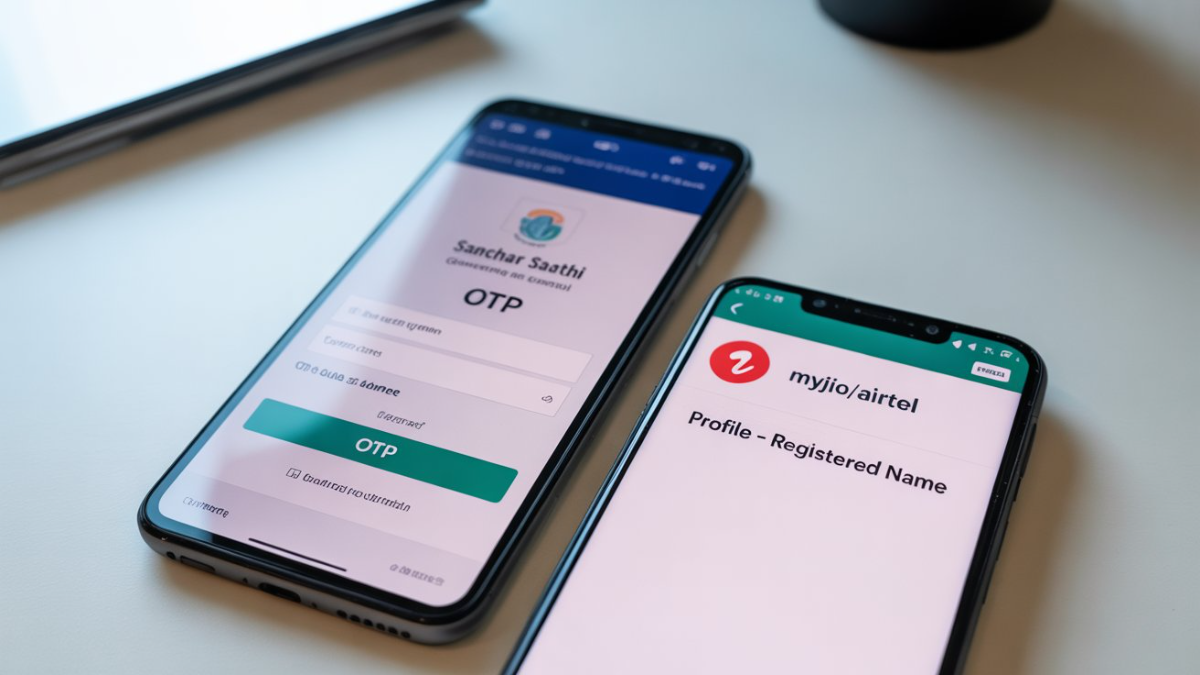
1. Use the Government’s Sanchar Saathi (TAFCOP) Portal
The Department of Telecommunications (DoT) has launched the Sanchar Saathi portal to empower citizens and prevent SIM card fraud.
👉 Steps to check SIM details:
-
Visit sancharsaathi.gov.in
-
Go to “Citizen Centric Services” → “Know Your Mobile Connections”
-
Enter your mobile number and captcha code
-
Request an OTP and verify
-
You will see a list of all mobile numbers registered under your name
✅ If you notice any unknown or suspicious numbers, you can immediately report them to DoT from the portal itself.
2. Through Your Telecom Provider’s Official App
If you want to check the name linked to your own SIM card, the easiest way is by using your telecom provider’s official mobile app.
-
Jio Users → Open MyJio App → Go to My Profile → View Registered Name
-
Airtel Users → Open Airtel Thanks App → Go to Account/Profile Section
-
Vi (Vodafone Idea) Users → Use the Vi App → Account details show registered name
-
BSNL Users → Open My BSNL App → Profile section shows SIM owner name
👉 This works only for the SIM you are currently using on your phone.
3. Using Third-Party Apps (Not 100% Reliable)
Applications like Truecaller often display the owner’s name of a mobile number by accessing their crowdsourced database.
⚠️ But keep in mind:
-
The information may be outdated or incorrect
-
These apps are not official and may raise privacy concerns
-
Use them only for reference, not as final proof
4. For Unknown or Suspicious Numbers
If you’re receiving harassment, fraud, or threatening calls from an unknown number:
-
Report the matter to your nearest police station
-
The police can legally request the SIM owner details from the telecom operator
-
Telecom companies will never disclose personal information directly to individuals
👉 This is the only legal way to find out another person’s SIM owner name in India.
5. Key Takeaways
-
You cannot directly check someone else’s SIM owner name due to privacy laws.
-
You can use Sanchar Saathi (TAFCOP) to check all SIMs registered under your Aadhaar.
-
You can verify your own number’s registered name via your telecom provider’s official app.
-
Truecaller and other third-party apps may show results, but they are not 100% reliable.
-
For fraud or crime cases, always contact the police for legal assistance.
FAQs on How to Check SIM Owner Name
Q1. Can I find the owner name of any mobile number in India?
👉 No. Due to privacy laws, telecom companies don’t disclose personal details to individuals.
Q2. How can I check how many SIMs are registered with my Aadhaar?
👉 Use the Sanchar Saathi (TAFCOP) portal to see all active SIMs linked to your ID.
Q3. Is Truecaller reliable for checking SIM owner name?
👉 Not fully. Truecaller may show a name, but it is not official or always correct.
Q4. What should I do if I get fraud calls?
👉 Report to your nearest police station. Only law enforcement can legally obtain the SIM owner’s details.
Conclusion
Knowing how to check SIM owner name is important for your security, but always use legal and official channels. The Sanchar Saathi portal and telecom providers’ apps are the best ways to verify your own registered numbers. For fraud or suspicious activity, trust only law enforcement agencies.
Stay safe, protect your personal data, and avoid relying on unofficial methods.